
Settings
Reports settings
The period every report opens on, for you and for your company.
In the app: Settings › Reports
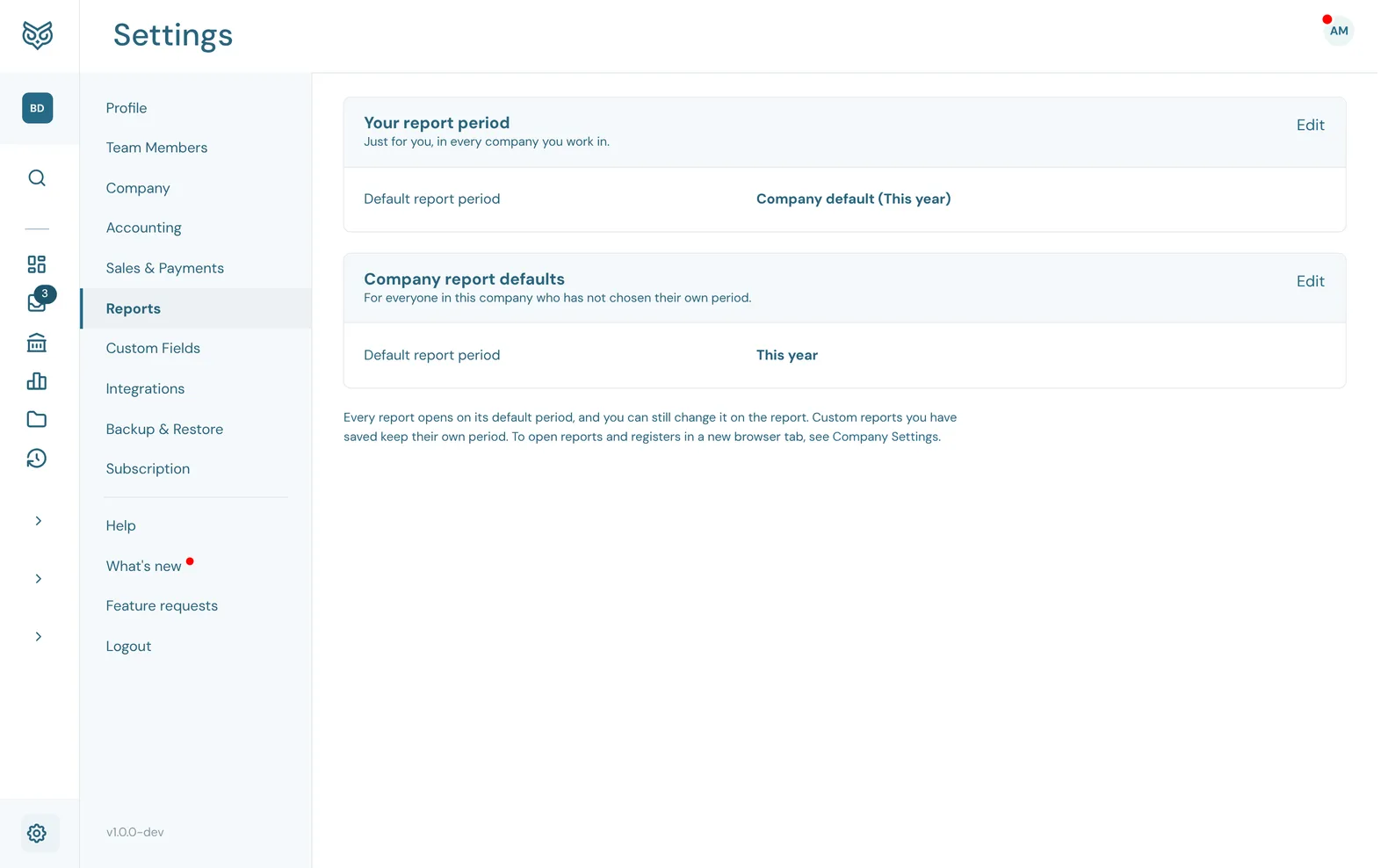
Every report opens on its default period, and you can still change it on the report itself.
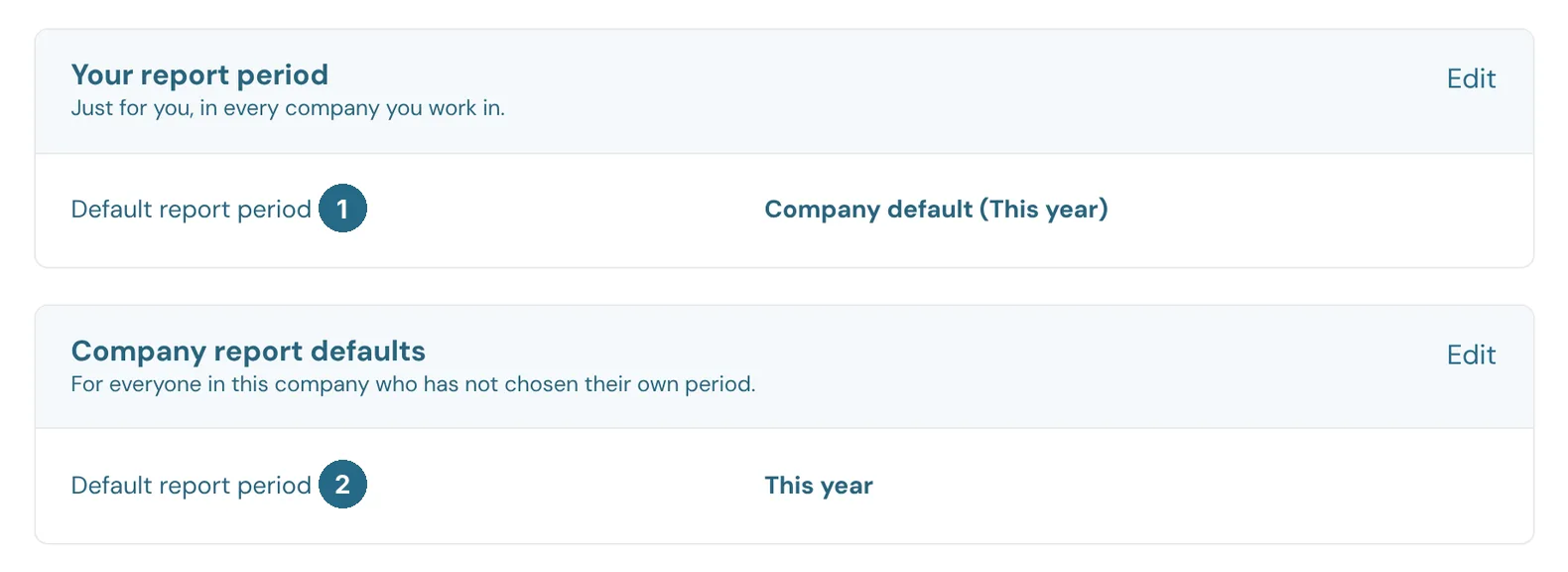
- Default report period under Your report period: just for you, in every company you work in. Company default follows the company's choice below. Pick any other period to override it.
- Default report period under Company report defaults: for everyone in this company who hasn't chosen their own, such as This year.
Custom reports you've saved keep their own period. To open reports in a new browser tab, see Company.
Updated in v1.0.0