
Settings
Backup & restore
Nightly backups of your company, plus copies you can take away and put back.
In the app: Settings › Backup & Restore
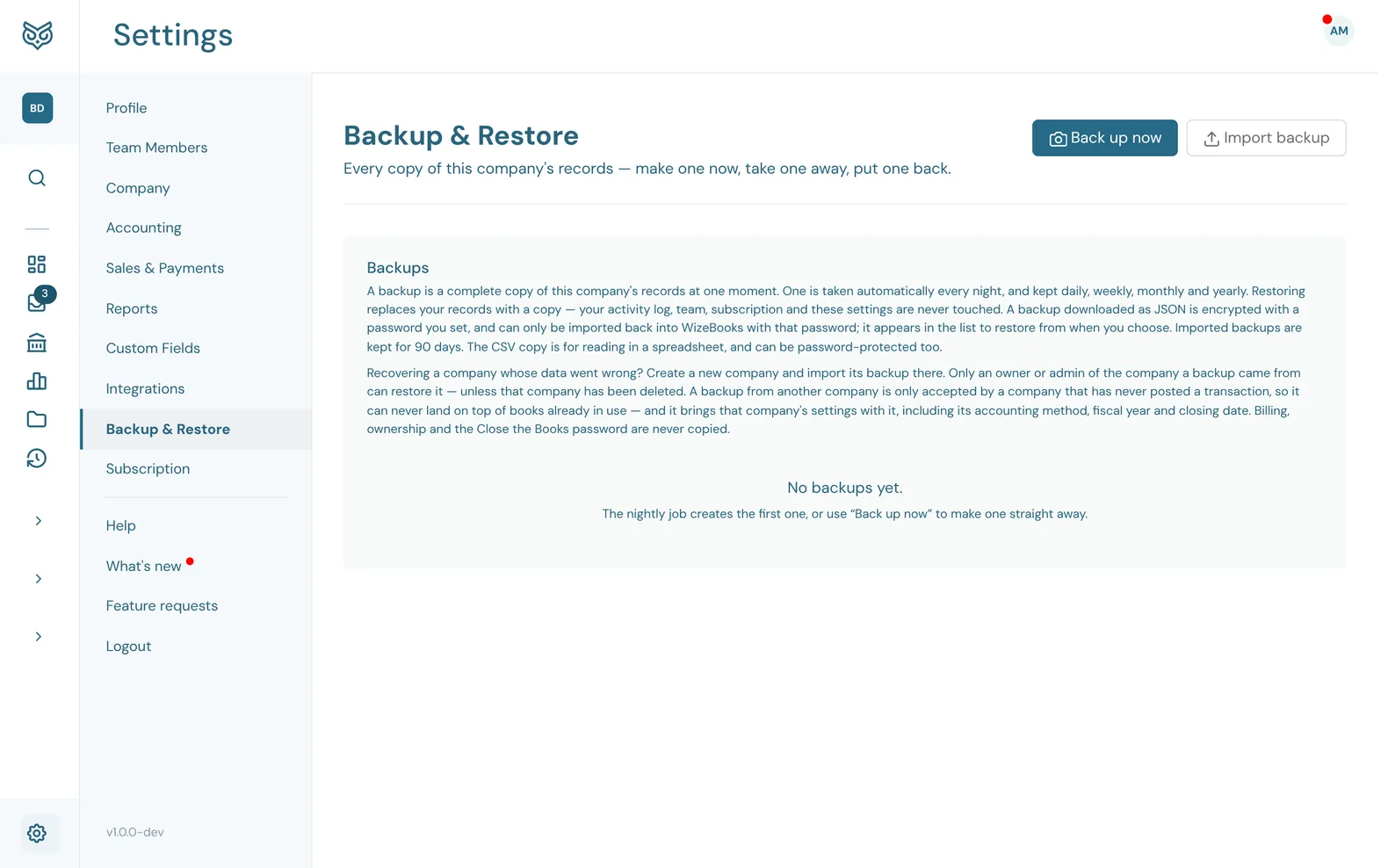
A backup is a complete copy of this company's records at one moment.
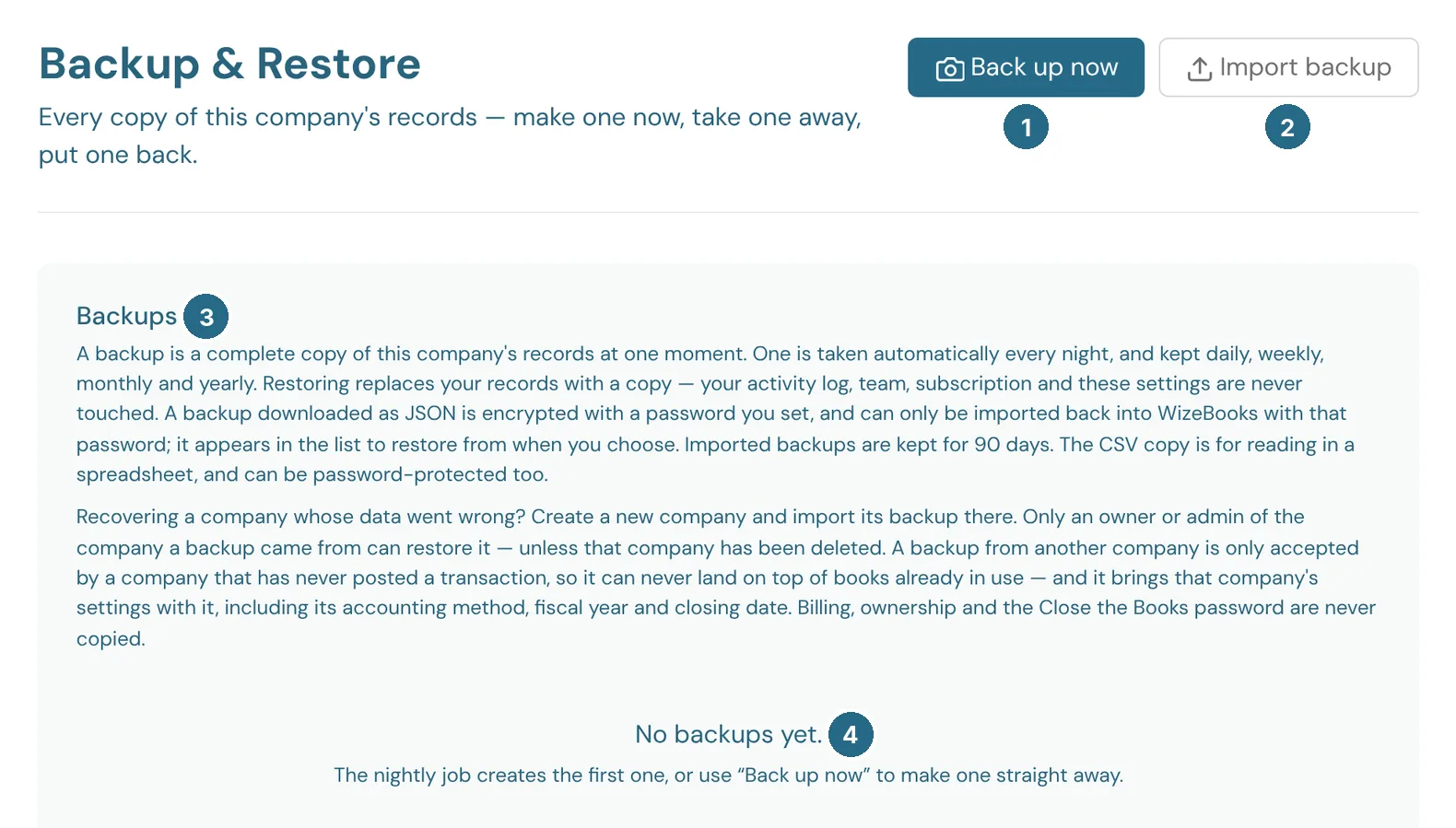
- Back up now makes a copy straight away, for example before a big change.
- Import backup brings in a JSON backup you downloaded. Imported backups are kept for 90 days.
- Backups: how backups work, in short.
- The list of backups, newest first. One is taken every night and kept daily, weekly, monthly and yearly. A new company shows No backups yet until the first night.
Each backup in the list has:
- Download backup: saves a copy as JSON, encrypted with a password you set. It can only be imported back into WizeBooks with that password.
- Download CSV copy: saves it for reading in a spreadsheet, and can be password-protected too.
- Restore: replaces your records with the copy. Your activity log, team, subscription and these settings are never touched.
Recovering a company
If a company's data went wrong, create a new company and import its backup there. Only an owner or admin of the company a backup came from can restore it, unless that company has been deleted. A backup from another company is only accepted by a company that has never posted a transaction, so it can never land on top of books already in use. It brings that company's settings with it, including its accounting method, fiscal year and closing date. Billing, ownership and the closing password are never copied.
Updated in v1.0.0